Family archivists
They have a scanned or lightly faded family photograph that matters more for its memory than its technical quality.
A careful enhancement can improve visibility and balance while keeping the people and setting recognizable.
Photo enhancement basics
What does it mean to enhance a photo? In simple terms, it means improving an existing image so its important details, tones, colors, or overall clarity are easier to see without changing its basic subject.

Start with the idea
To enhance a photo is to refine the visual information already present: making a subject clearer, correcting distracting imbalance, or presenting the image with more pleasing detail.
Common reasons
The same basic process serves different goals, from recovering a meaningful older picture to presenting a product or portrait more clearly.
They have a scanned or lightly faded family photograph that matters more for its memory than its technical quality.
A careful enhancement can improve visibility and balance while keeping the people and setting recognizable.
They want a clearer version of a quick snapshot before sharing it or keeping it in a personal gallery.
Targeted adjustments can make the subject easier to see without requiring a full desktop editing workflow.
They need a product or service image with distracting dullness, uneven lighting, or soft detail reduced.
Enhancement can give the image a more consistent presentation while leaving the product itself unchanged.
They are preparing an image for a larger screen or print and want to inspect its detail before committing to the final use.
A review at the intended display size helps reveal whether enhancement improves the result or only makes flaws more visible.
Inside the process
Photo enhancement is best understood as a sequence of decisions: identify the problem, apply a focused correction, then compare the result with the original.
Look for the main issue first: softness, low contrast, color cast, compression, uneven exposure, or distracting noise. A clear goal prevents unnecessary edits.
The enhancement process emphasizes useful edges, balances tonal range, and refines color or lighting where those changes support the subject.
Check the result at the size and setting where it will be used. Keep the version that looks clearer and more natural, not merely more intense.
See the distinction
A before-and-after comparison helps separate a more readable image from an image that has simply been pushed too far.
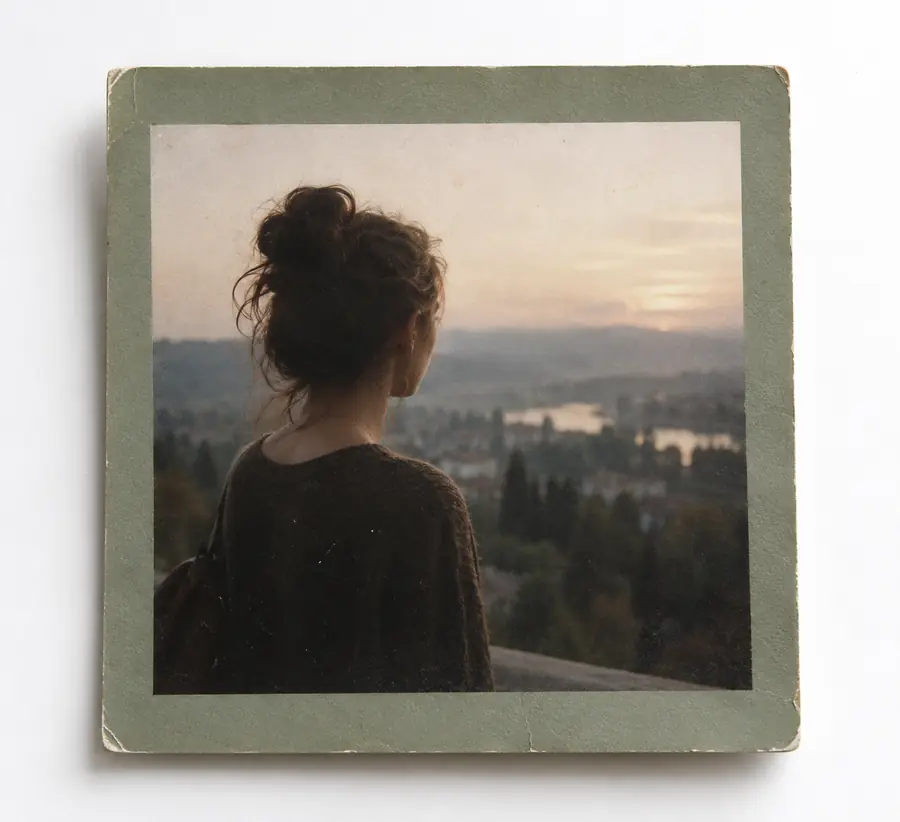

The subject stays the same; the presentation becomes clearer.
Original appearanceEnhanced appearanceSet expectations
Enhancement works with the information in an existing file. It can improve how that information is presented, but it cannot guarantee details that were never captured.
| Can improve | Cannot guarantee | |
|---|---|---|
| Visibility | Make important subject detail easier to distinguish. | Recover every detail from an area that is completely blank or clipped. |
| Tone | Balance brightness, contrast, and shadow separation. | Recreate the original lighting conditions with certainty. |
| Color | Reduce an unwanted cast and create a more coherent color balance. | Know the exact real-world color when the source contains no reliable reference. |
| Sharpness | Emphasize existing edges and reduce the impression of softness. | Turn severe motion blur into a perfectly accurate, sharp capture. |
| Resolution | Prepare an image for clearer viewing at a chosen display size. | Create authentic fine texture that the camera never recorded. |
| Identity | Present a recognizable subject with improved overall clarity. | Prove or invent a person's identity from an unclear photograph. |
A useful checklist
A successful enhancement is usually judged across more than one visual quality. These three dimensions help keep the result practical and restrained.
Know the limits
Honest limits make the process more useful. If the source problem is fundamental, a stronger adjustment may create an artificial look instead of a better photograph.
A fully blown highlight, solid black shadow, or featureless blur may contain too little information to recover faithfully.
What to do instead
Use the best original file available and make a modest correction rather than expecting reconstruction.
Enhancement cannot change the original camera angle, expression, focus point, or moment in time.
What to do instead
If the subject or composition is wrong, reshoot when possible and use enhancement only for finishing.
Too much sharpness, contrast, or color can create halos, harsh texture, or an artificial appearance.
What to do instead
Compare at the intended viewing size and favor the version that still looks believable.
A clearer image is not automatically more historically accurate, legally reliable, or representative of the original scene.
What to do instead
Keep the source file and document any substantial changes when the image has archival or evidentiary importance.
Ready to inspect
Now that the definition is clear, use a focused enhancement workflow: begin with the original, identify the main weakness, and compare every change against the source.
Photo enhancement FAQ
Here are concise answers to the central definition question and the practical distinctions that follow from it.
It means improving an existing image so its details, tones, colors, or overall clarity are easier to see. Enhancement changes the presentation of the photograph rather than changing the identity of its main subject.
Enhancement is a type of photo editing, but the emphasis is usually on improving visibility, balance, or perceived quality. Editing is broader and can also include cropping, removing objects, adding elements, or changing the composition.
It can emphasize patterns or edges that were already partly present, but it cannot guarantee recovery of information that was never captured. When a source is severely blurred, clipped, or compressed, stronger processing may create an interpretation rather than a faithful detail.
It can change how clearly the scene is presented through adjustments to light, contrast, color, and sharpness. It should not be treated as proof that altered or reconstructed detail is exactly what appeared in the original scene.
Compare it with the original at the size and in the setting where it will be used. A better result makes the subject easier to understand while avoiding halos, unnatural colors, excessive texture, or a loss of important context.