Trust guide
Is enhance photo safe reddit? What to check first
Is enhance photo safe reddit? The useful answer depends less on the word “AI” and more on how an enhancement service handles your image, what changes it makes, and where you use the result.
Start with the facts
3 misconceptions about photo enhancement
Photo enhancement is easier to assess when you separate assumptions about the technology from the actual risks of uploading, processing, and sharing an image.
-
1
Enhancement always invents a new face
Not necessarily. Enhancement may sharpen edges, reduce noise, balance light, or enlarge visible detail. Some systems can also reconstruct plausible detail, so compare the result with the original rather than treating every new texture as captured fact.
-
2
A sharper image proves the source was accurate
No. A cleaner or larger result can look more convincing without becoming more truthful. Enhancement cannot reliably recover information that was never recorded, such as a hidden identity detail or text missing from a blurred frame.
-
3
A safe result means every use is safe
No. A technically successful image can still create privacy, consent, copyright, or evidence problems. The context, source, permissions, and intended audience matter as much as the visual output.
Continue the review
What enhance photo actually is
These related guides cover practical parts of the same decision, from choosing a device workflow to understanding online processing and higher-resolution output.
- What does it mean to enhance a photo? A plain-language explanation of enhancement, sharpening, resizing, and reconstructed detail.
- how to use enhance photo on phone A mobile-focused workflow for checking an image before and after enhancement.
- free enhance photo online A practical guide to evaluating online tools without assuming that access equals privacy.
Compare the risks
Boundary conditions for safe enhancement
Use this table as a decision check. The left column describes a common assumption; the right gives the more careful interpretation before you rely on the result.
| Common assumption | Safer interpretation | |
|---|---|---|
| Privacy | If the image is ordinary, privacy does not matter. | Faces, locations, documents, children, and personal metadata can still be sensitive. |
| Accuracy | More detail means more truth. | Added detail may be estimated; preserve the original and label enhanced copies. |
| Identity | A clearer face confirms who someone is. | Visual clarity is not proof of identity, consent, or attribution. |
| Documents | Readable text in the output is safe to quote. | Verify important text against the original or a trusted source. |
| Ownership | Enhancing an image makes it yours. | Enhancement does not remove copyright, licensing, or permission requirements. |
| Deletion | Removing an upload from your device removes the risk. | Check the service policy and avoid uploading material that must remain confidential. |
Know the limits
When not to use enhance photo
A responsible workflow includes situations where the safest choice is not to upload or rely on an enhanced image.
Sensitive personal records
Do not use an enhancement service for passports, medical records, legal papers, private messages, or other material that could expose someone if retained or accessed.
What to do instead
Redact sensitive fields or use a trusted local workflow with an appropriate retention policy.
High-stakes identification
Do not treat an enhanced face, plate, or object as definitive evidence. Reconstruction can make uncertain details look more certain than they are.
What to do instead
Keep the original, document the processing, and use qualified review or independent evidence.
Images without permission
Avoid uploading photographs of people, private spaces, or licensed work when you do not have the right to process or share them.
What to do instead
Ask for consent, confirm the license, or choose an image you are authorized to use.
Irreplaceable originals
Do not overwrite the only copy. Enhancement can introduce halos, smoothing, false texture, or color changes that are difficult to reverse.
What to do instead
Make a duplicate, preserve the source file, and compare versions at the same size.
Inspect the output
A visual check is part of a safe workflow
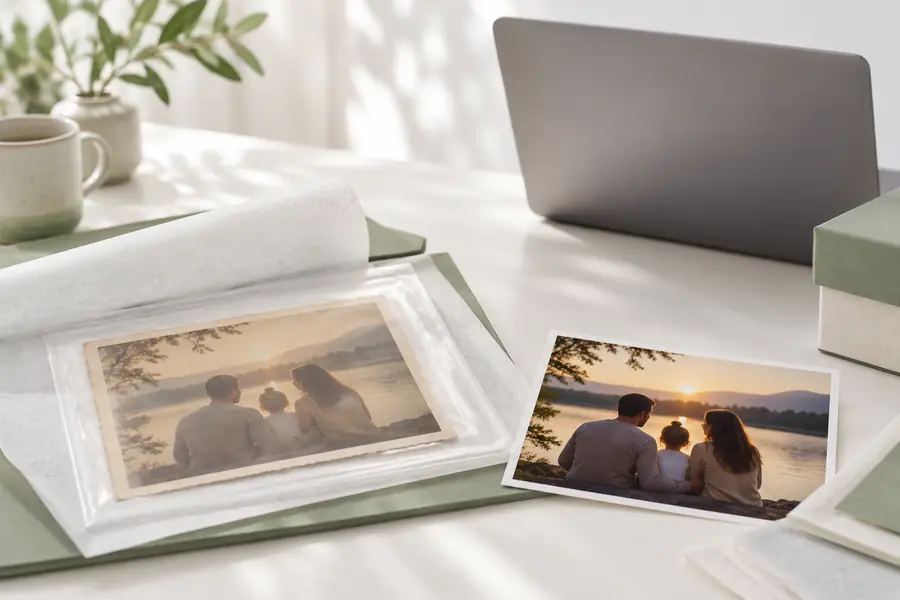
Look for invented detail, halos, smoothed skin, altered text, and changes that could mislead someone viewing the image without its original.
OriginalEnhancedMake a careful choice
Enhancement can be useful for presentation, accessibility, or recovering a more comfortable viewing size. Keep the original, avoid sensitive uploads when the handling policy is unclear, and never present reconstructed detail as verified evidence.
Use photo enhancement with context, not guesswork
- Keep an untouched original
- Check privacy and permission
- Label important edited copies
Common questions
FAQ
It is a useful starting question, but Reddit opinions are not a substitute for checking a tool’s own privacy terms, retention practices, and processing model. Treat personal reports as experiences to investigate, not universal proof of safety.
It can, depending on the image and the service. Faces, documents, locations, metadata, and visible screens may reveal information you did not intend to share, so remove or redact sensitive content before uploading.
Yes. Sharpening and enlargement may make an image easier to view, while reconstruction can add plausible detail that was not present in the source. Keep the original beside the result and do not use the enhanced version as sole proof of an important fact.
Avoid uploading confidential documents when you cannot verify how the service stores or deletes files. For sensitive material, consider redaction or a trusted local process, and confirm any recovered text against the original.
No. Enhancement changes appearance, not consent, ownership, privacy obligations, or the rights of people shown in the image. Review the audience and permissions before sharing the edited copy.